Swift Backup
About Swift Backup
Short description
Back up and restore apps, messages, call logs and files locally or in the cloud.
Long description
Swift Backup backs up Android apps, messages, call logs, Wi-Fi networks, wallpapers and folders. Backups go to the phone, an SD card or a USB drive, to 10 cloud drives such as Google Drive, OneDrive and Dropbox, or to the user's own server through WebDAV, SMB, SFTP, FTP or S3-compatible storage.
Root is optional. APKs, messages, call logs, folders and wallpapers back up without root. Root adds app data. Shizuku adds batch restores and app permissions without rooting.
Backups are encrypted on the phone before they are saved or uploaded. App data, messages, call logs and folders use AEGIS-256. APKs, expansion files and wallpapers are not encrypted.
Local backups are free. Premium adds cloud backups for apps and folders, scheduled backups, backup history and protection, app labels and custom configs.
Key facts
| Name | Swift Backup (two words) |
|---|---|
| Tagline | Back up your Android apps, messages and more |
| Developer | SwiftApps |
| Platform | Android 8.0 and later, on phones, tablets and foldables |
| Current version | 5.1.1, released 8 November 2026 |
| Price | Free. Premium is a one-time Lifetime purchase or a yearly subscription through Google Play. |
| Ads | None |
| Languages | 16, translated by the community on Crowdin |
| Installs | 500K+ on Google Play (November 2026) |
| Get it | Google Play |
| Website | www.swiftbackup.app |
| Brand color | Green #4CAF50, the color the app's theme is built from |
App icon

Screenshots
Swift Backup on a Pixel 7 in dark mode. Each image is 720 × 1557 in WebP.
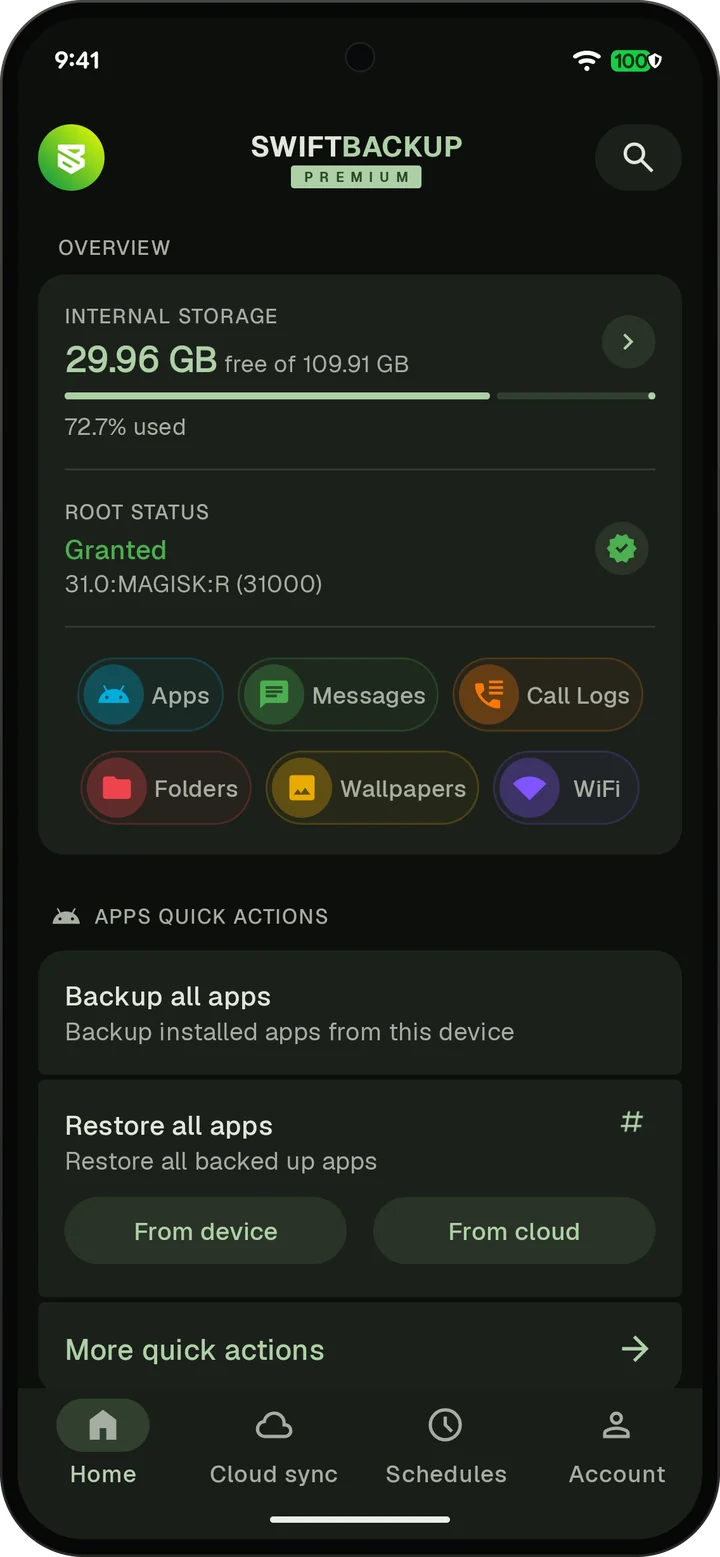
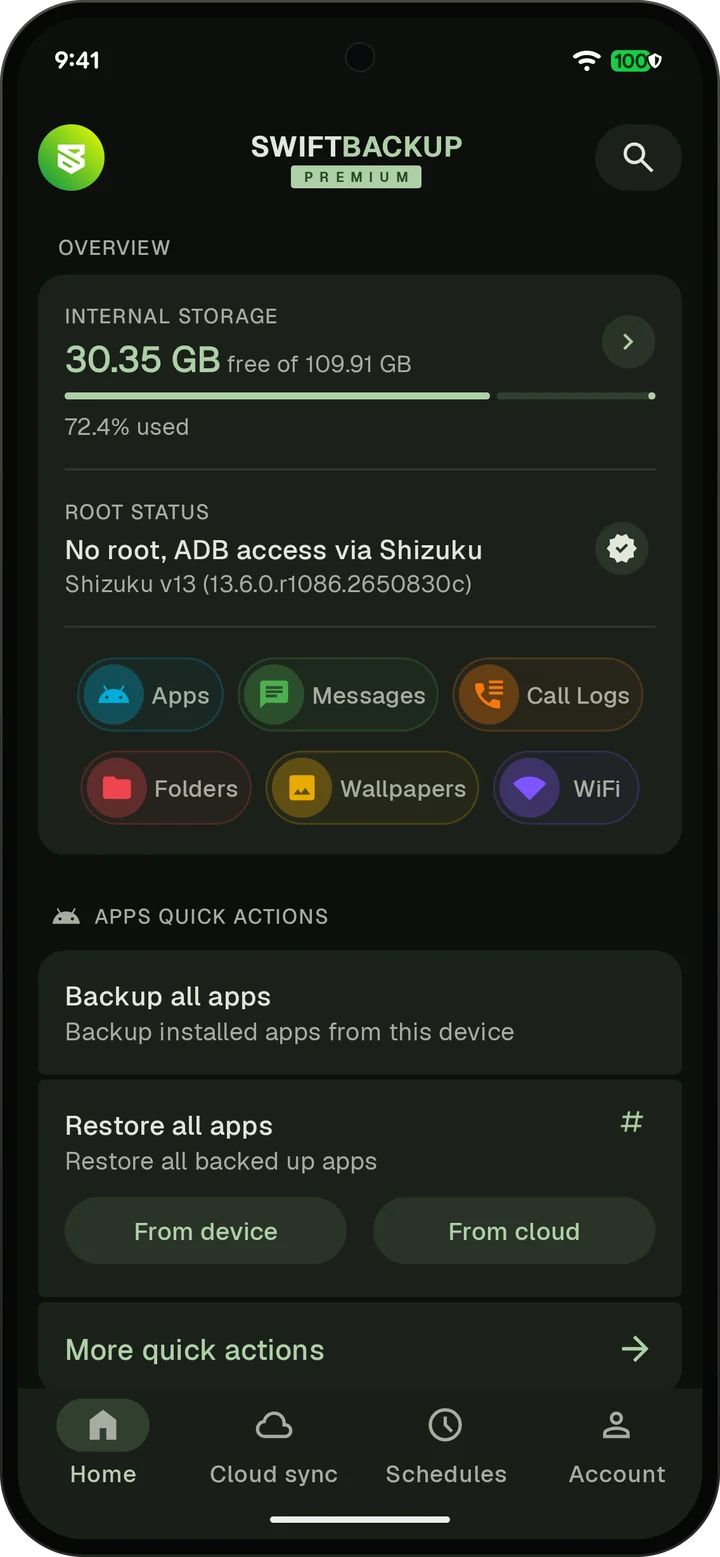
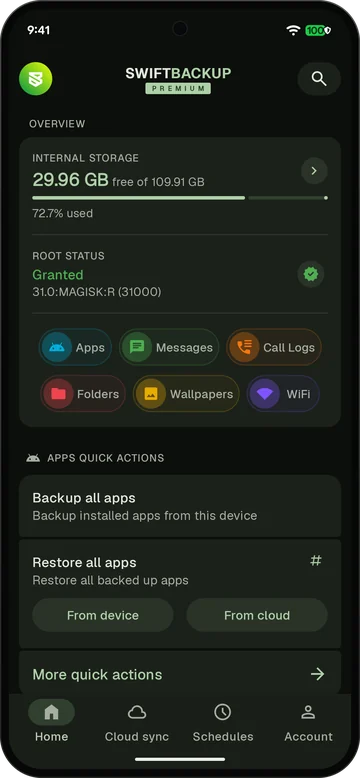 Home screen with storage, root status and backup types
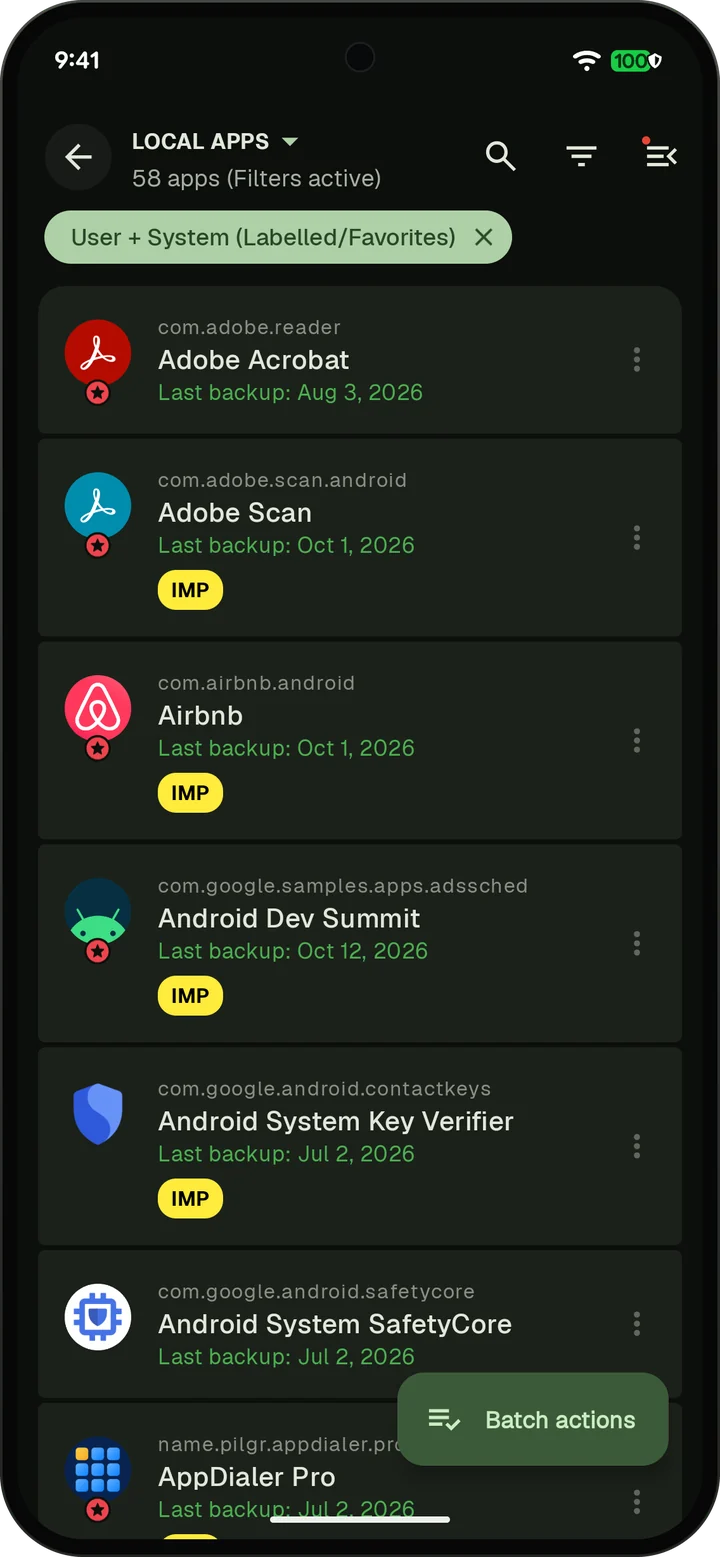
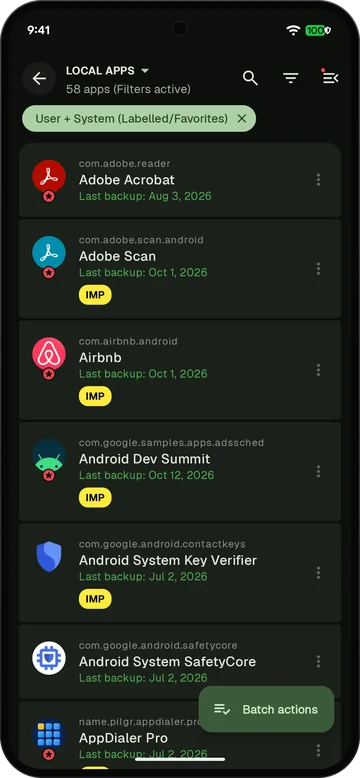 App list with last backup dates
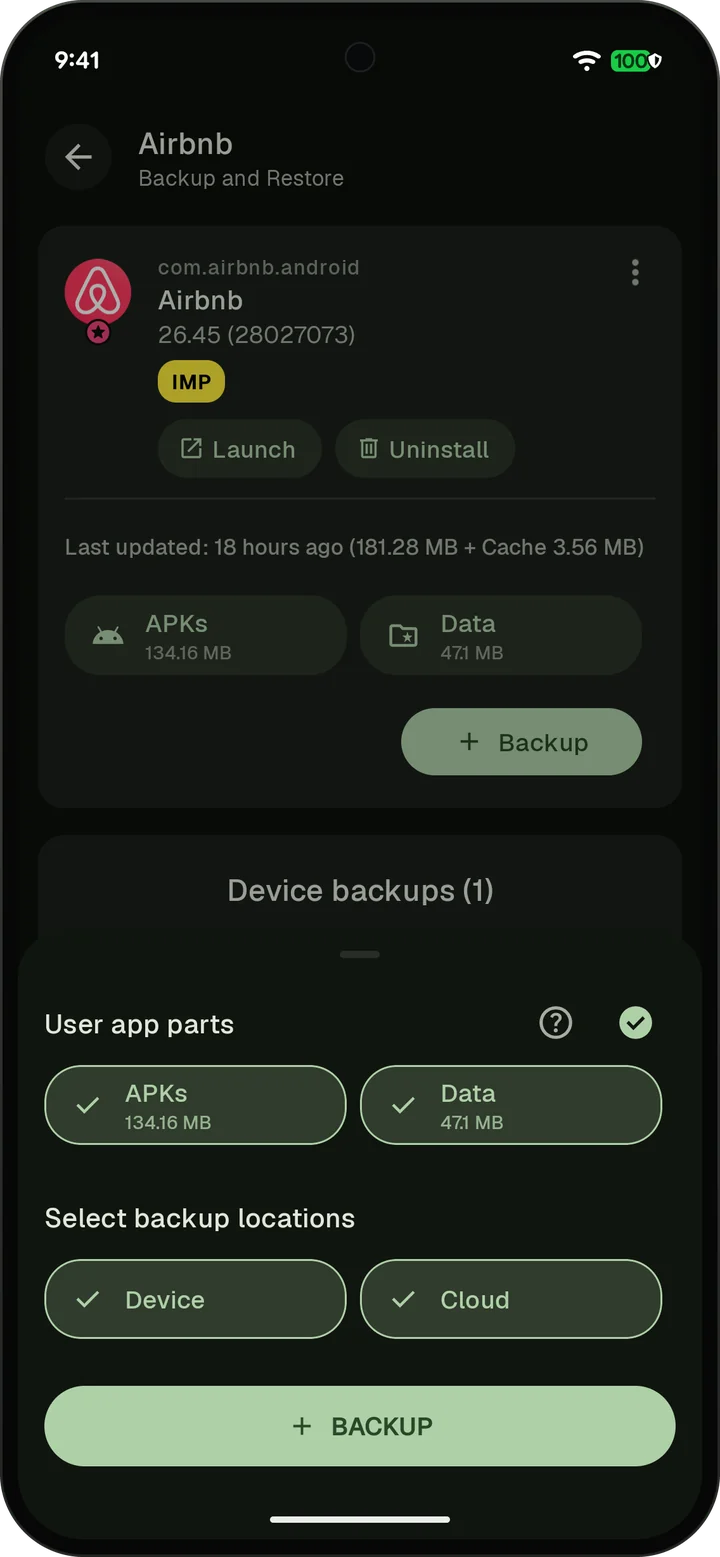
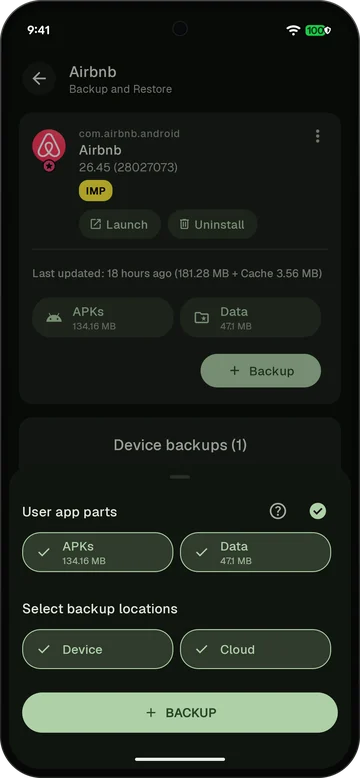 Backup options with APKs, data, device and cloud
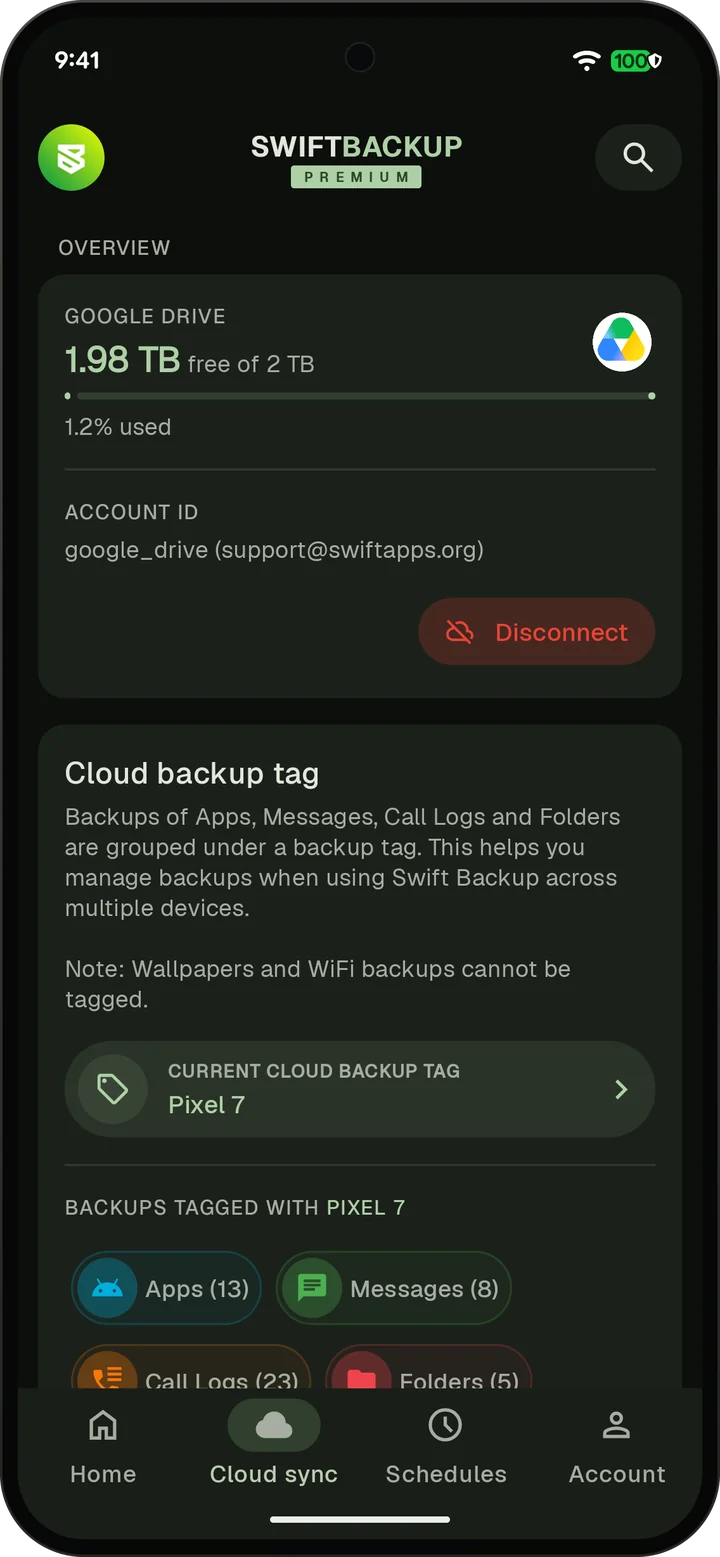
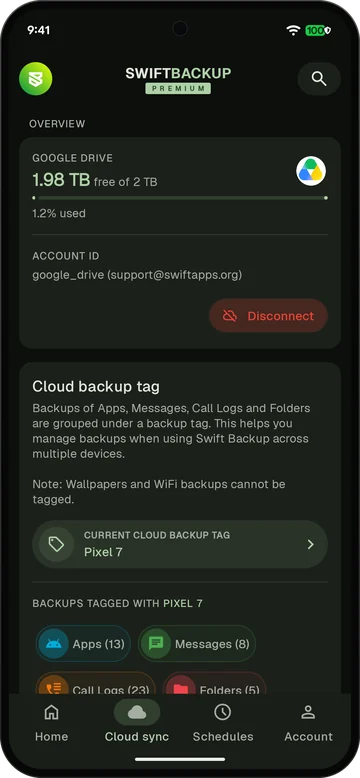 Google Drive connected with backups tagged by device
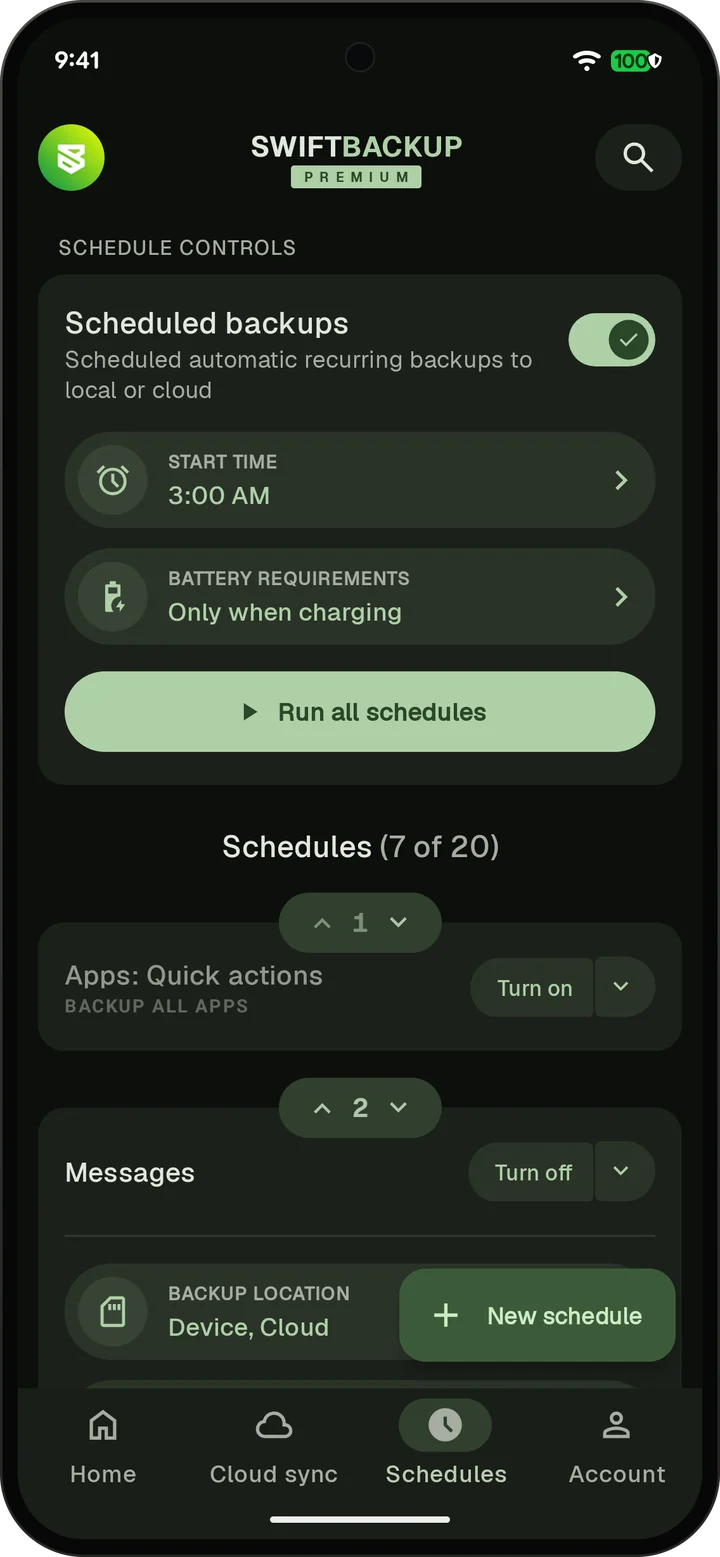
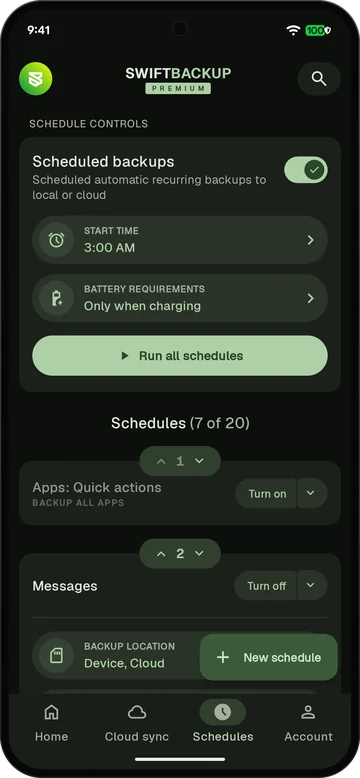 A scheduled backup at 3 AM when charging
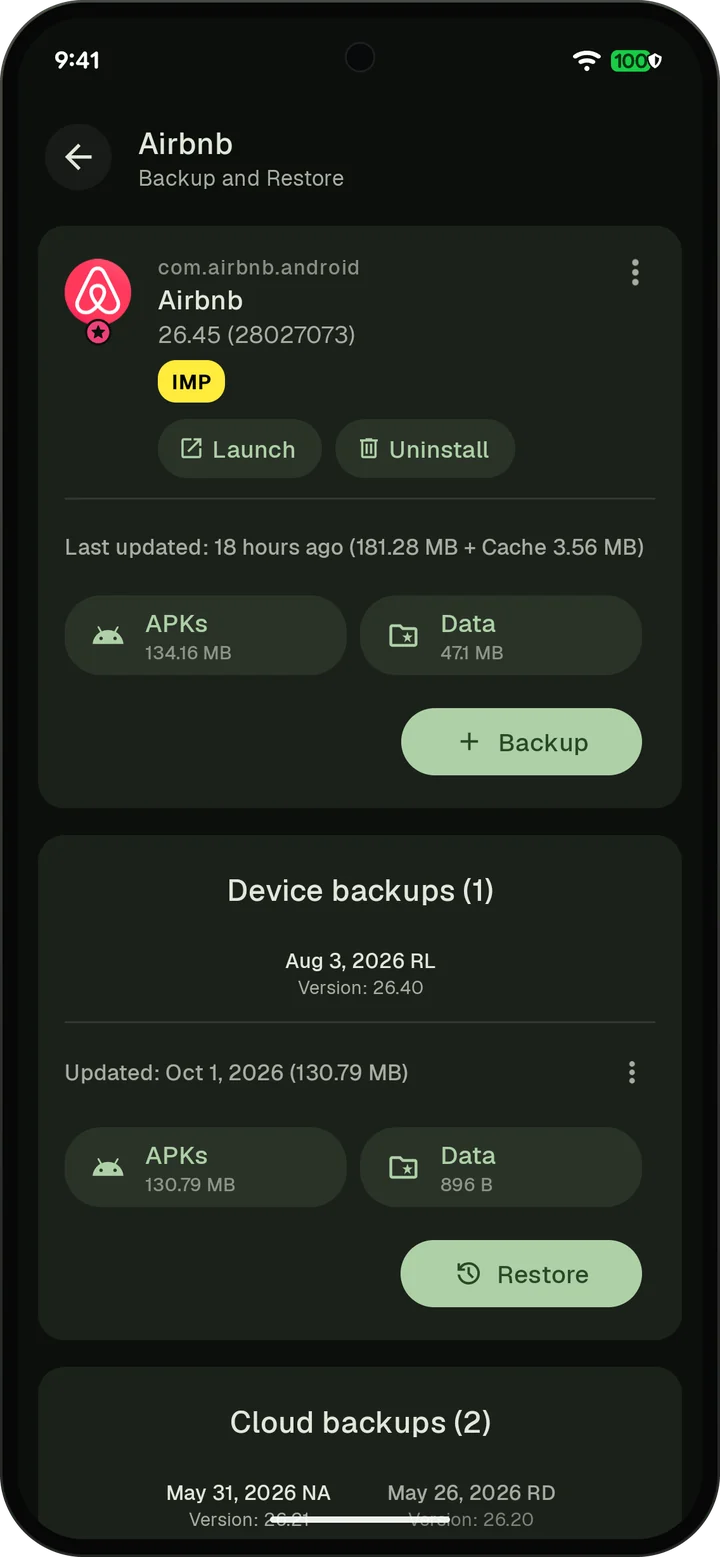
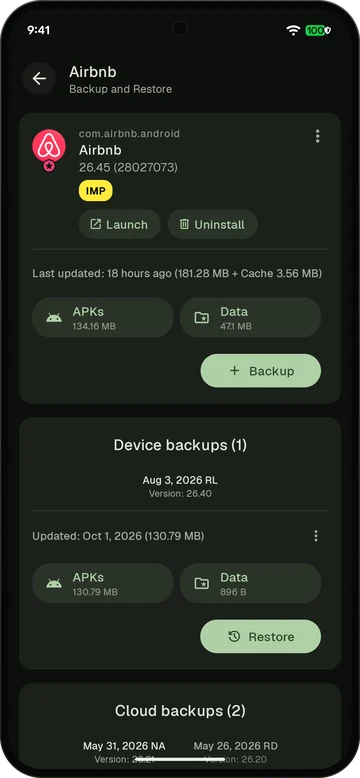 App detail with device backups and a Restore button
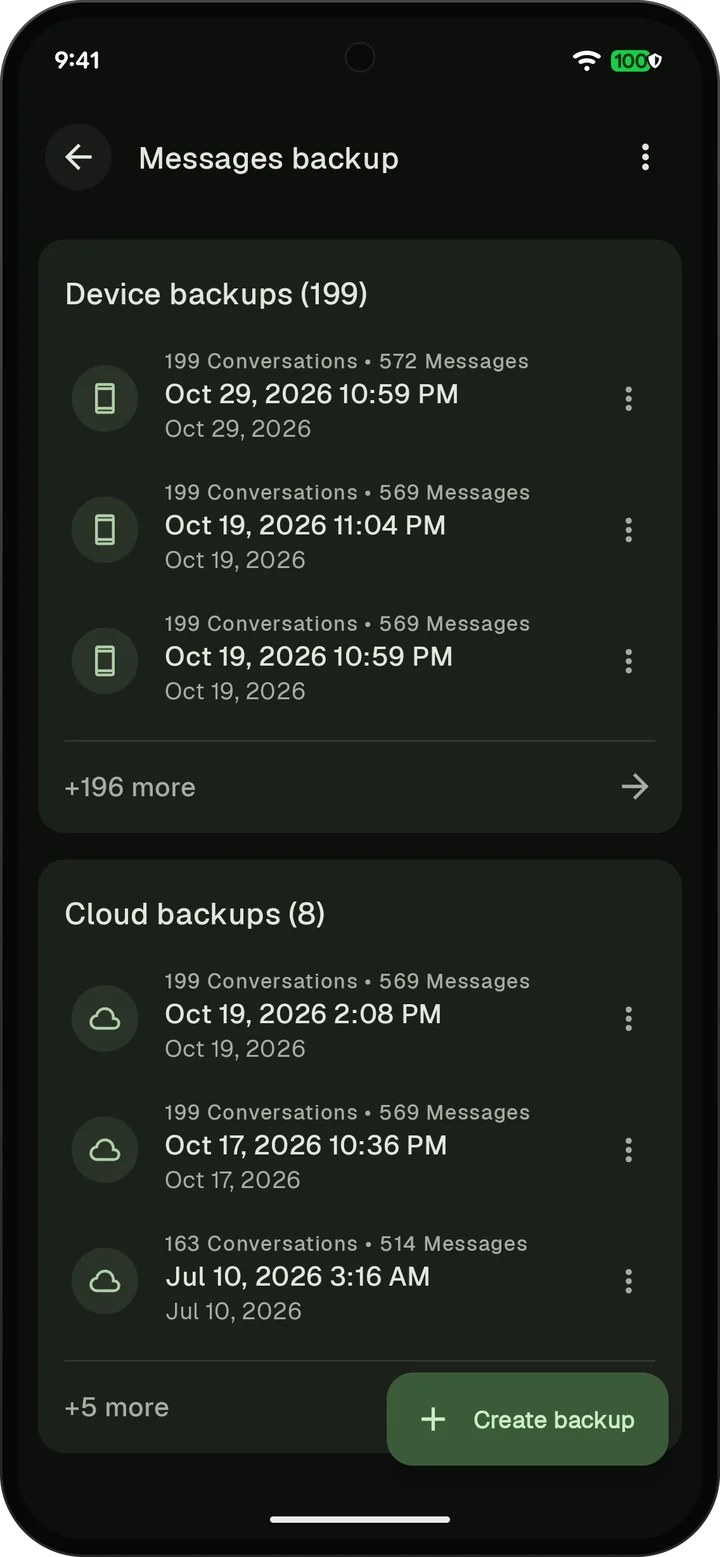
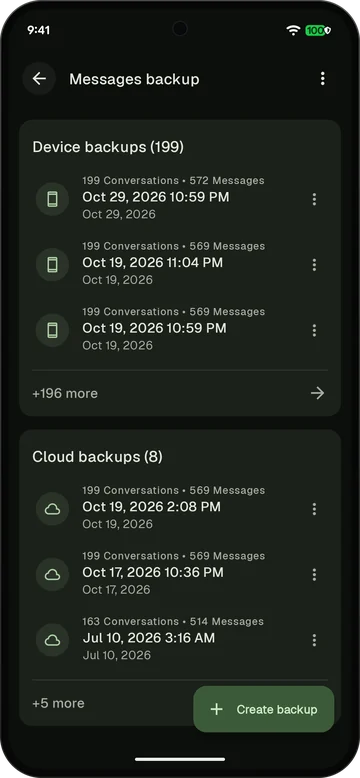 Messages backups on the device and in the cloud
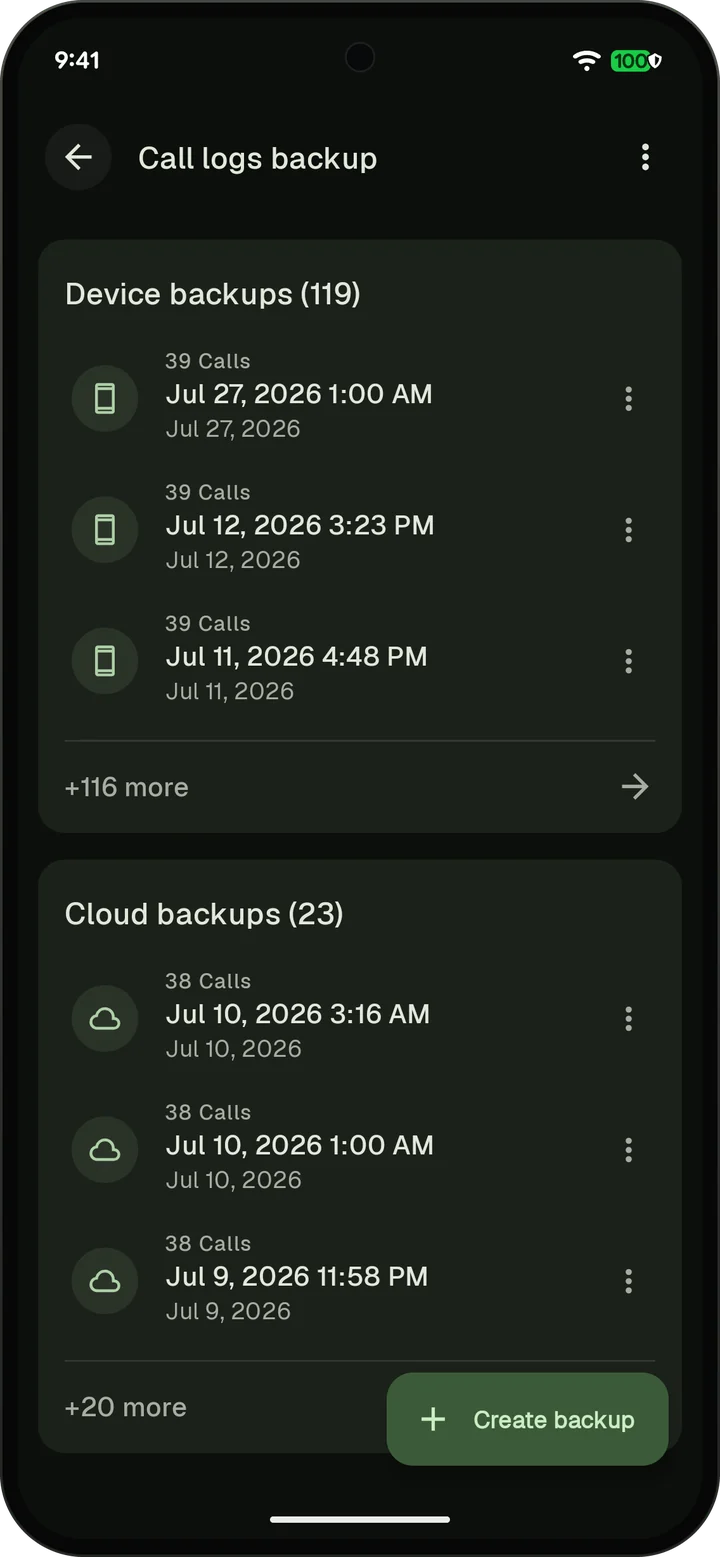
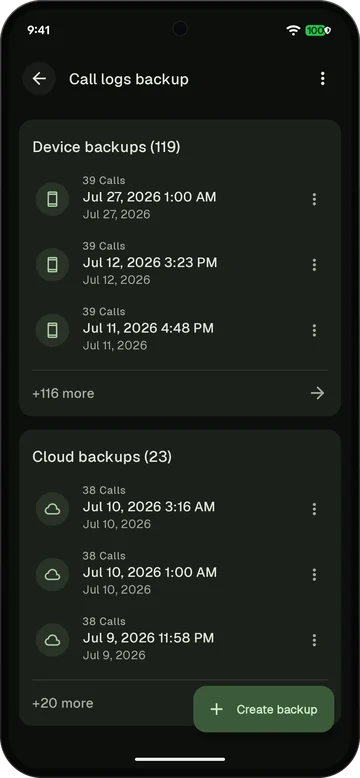 Call log backups on the device and in the cloud
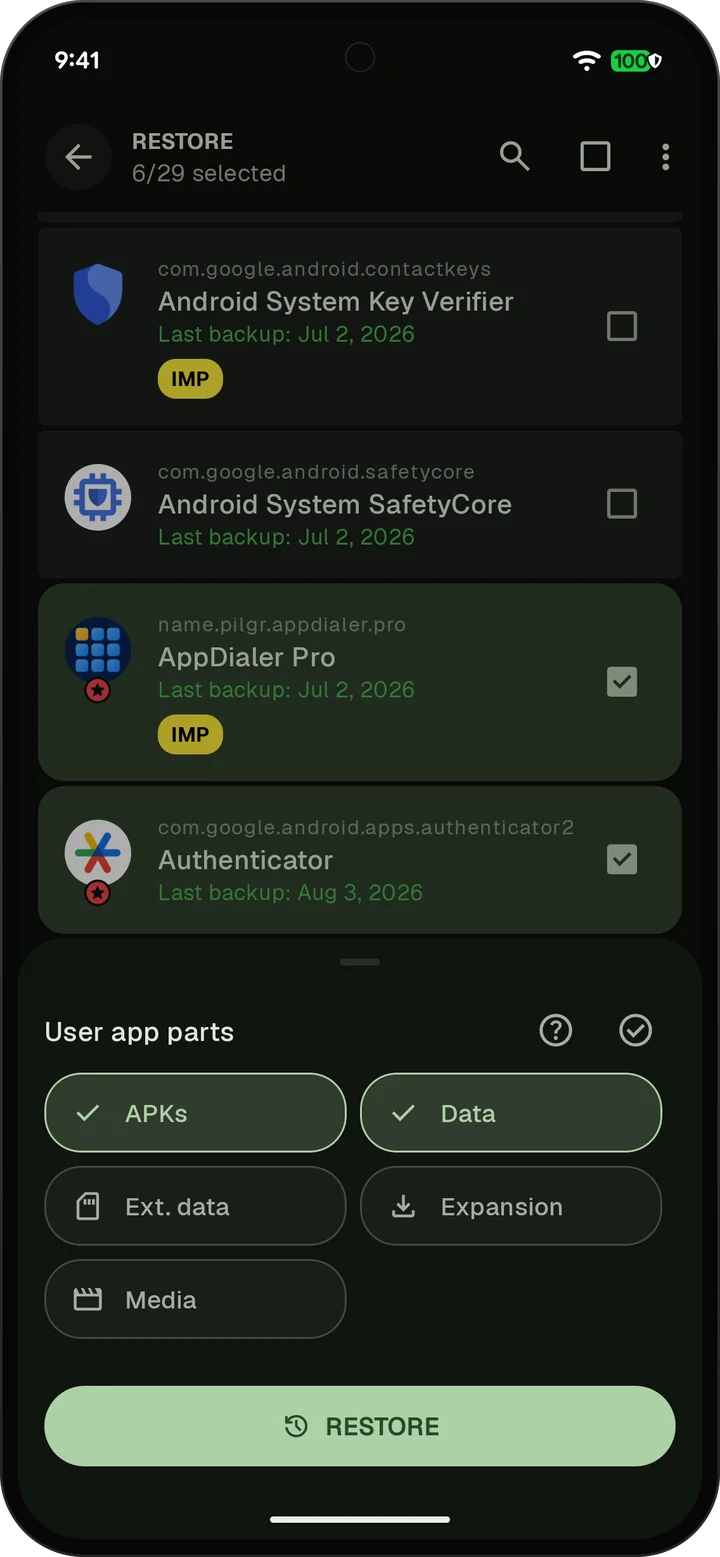
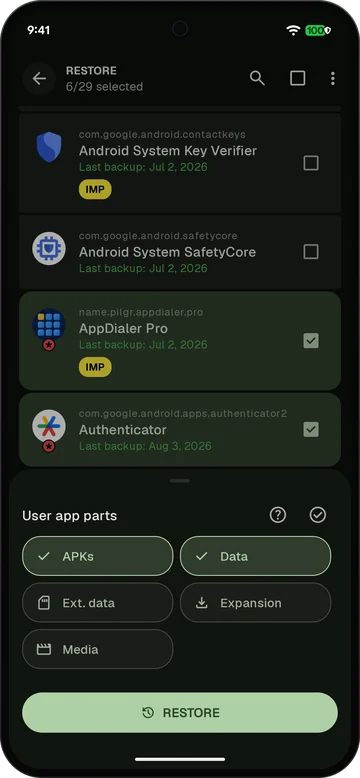 Batch restore with several apps selected
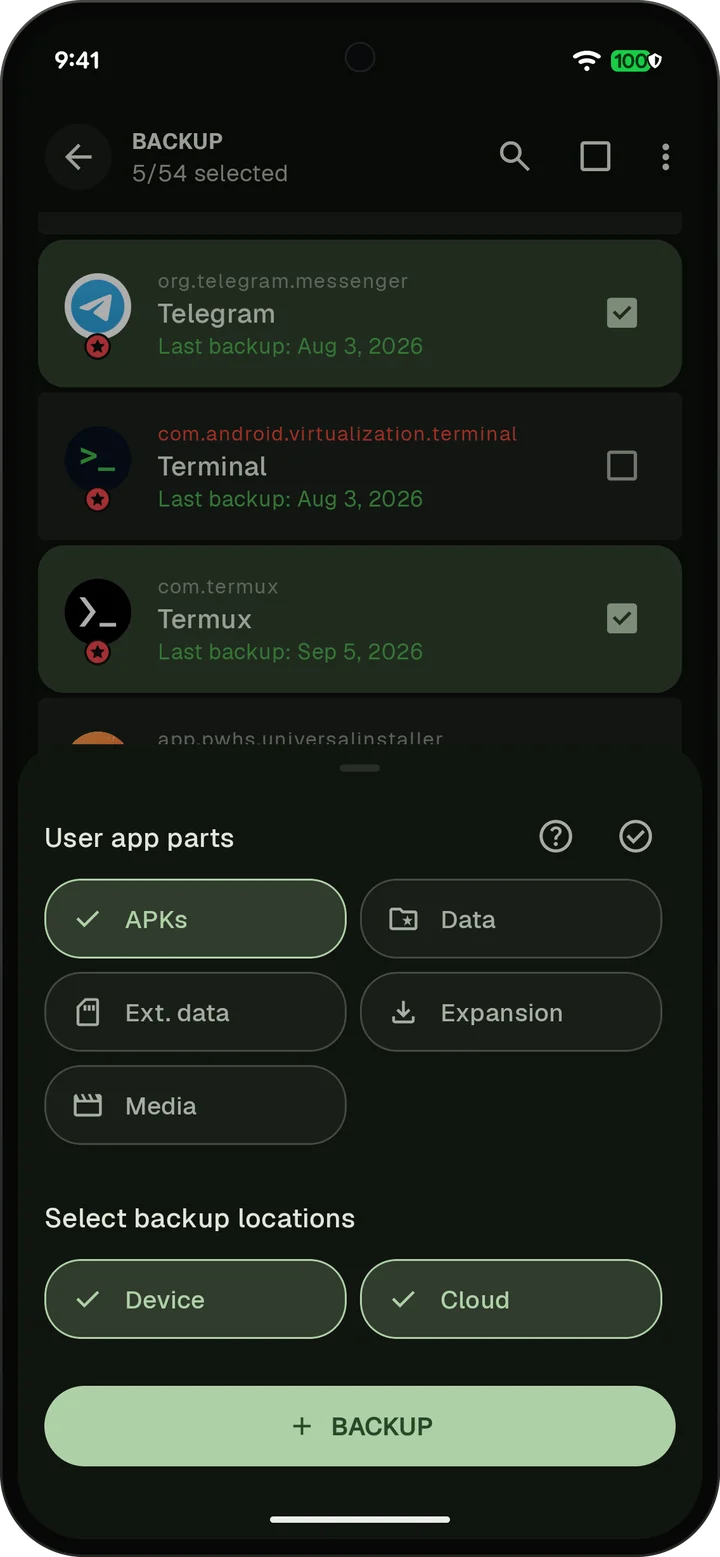
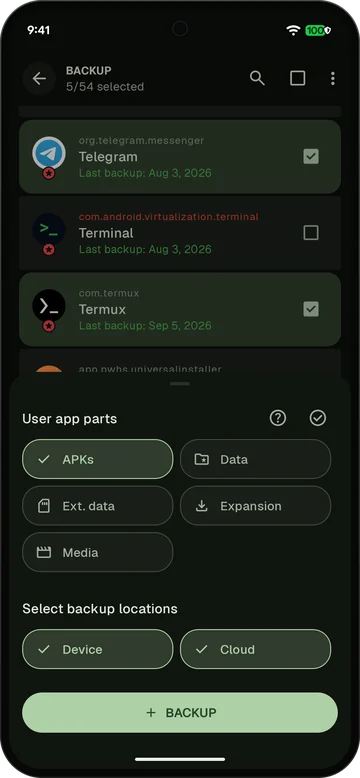 Batch backup of APKs to the device and the cloud
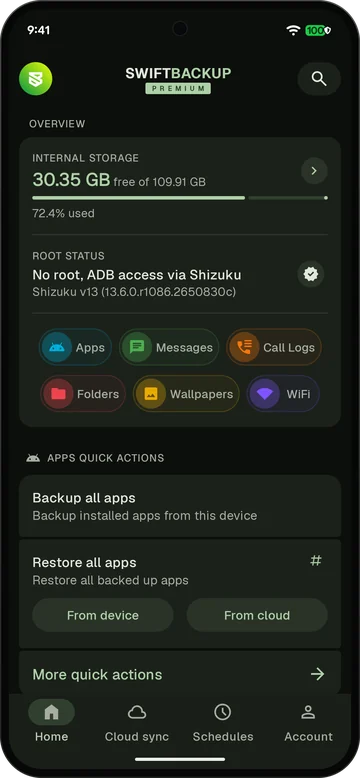 Home screen with root status No root, ADB access via Shizuku
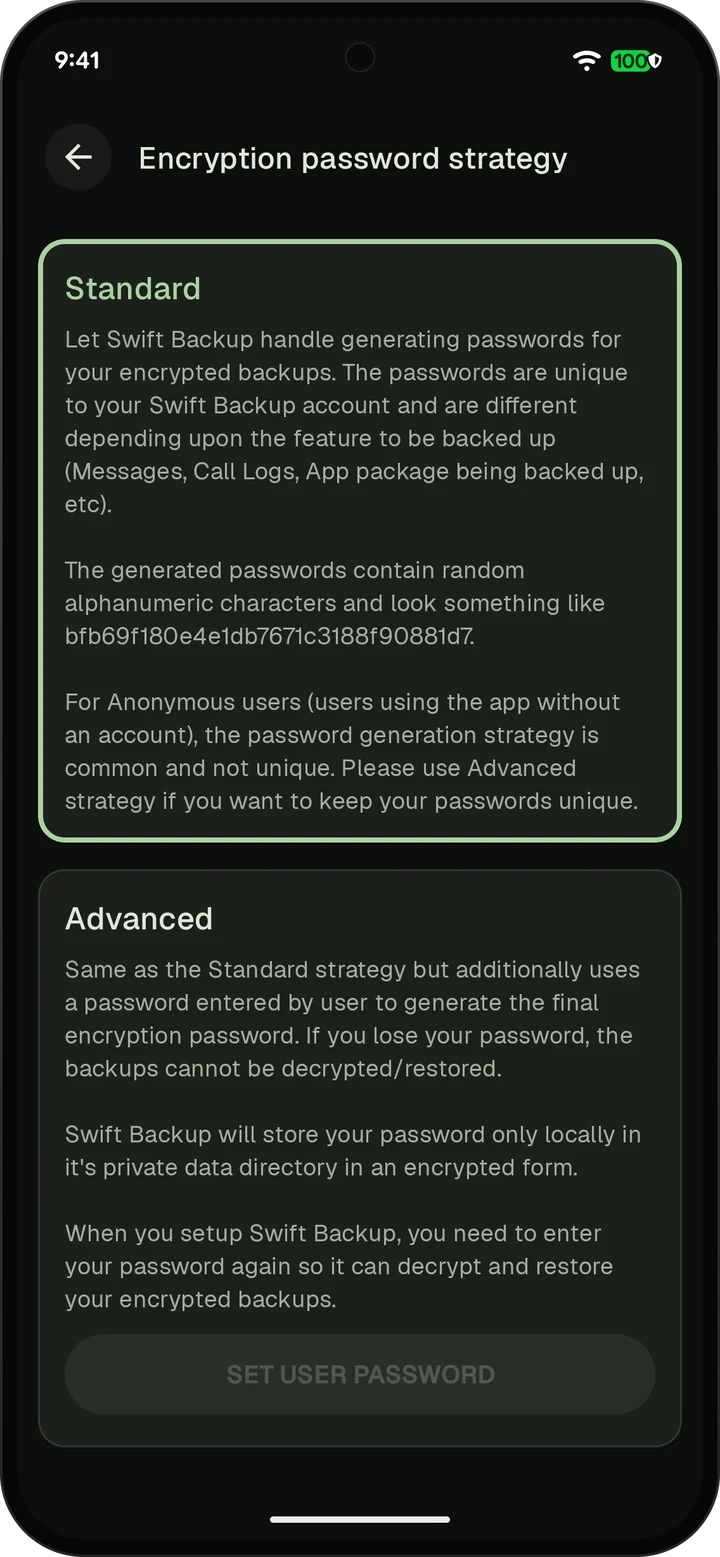
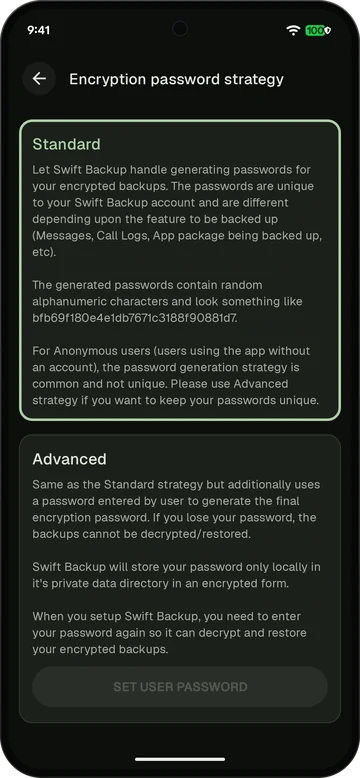 Encryption password strategy with Standard and Advanced
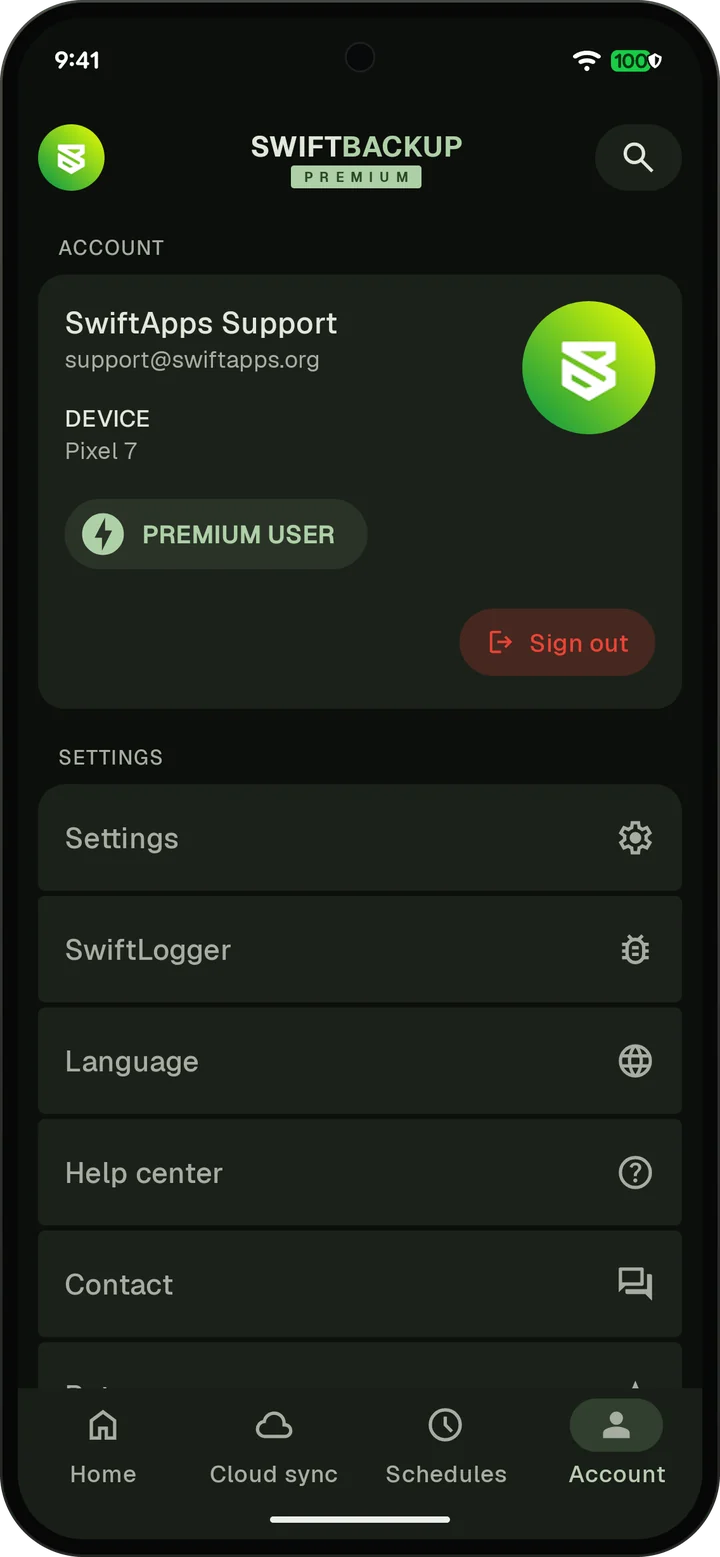
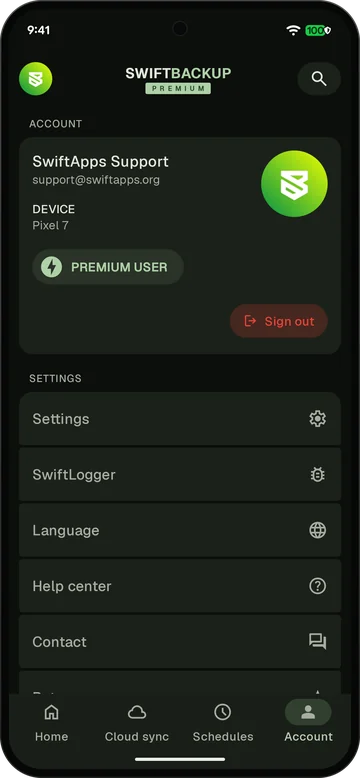 Account screen signed in with Premium
Contact
For questions about Swift Backup, email support@swiftapps.org. You can also ask in the Telegram group.