 Swift Backup

What Shizuku is
Shizuku is a free app from another developer. It lets apps such as Swift Backup use parts of Android that normally need ADB or root.
Install Shizuku, start it and let Swift Backup use it. The Shizuku guide shows each step.
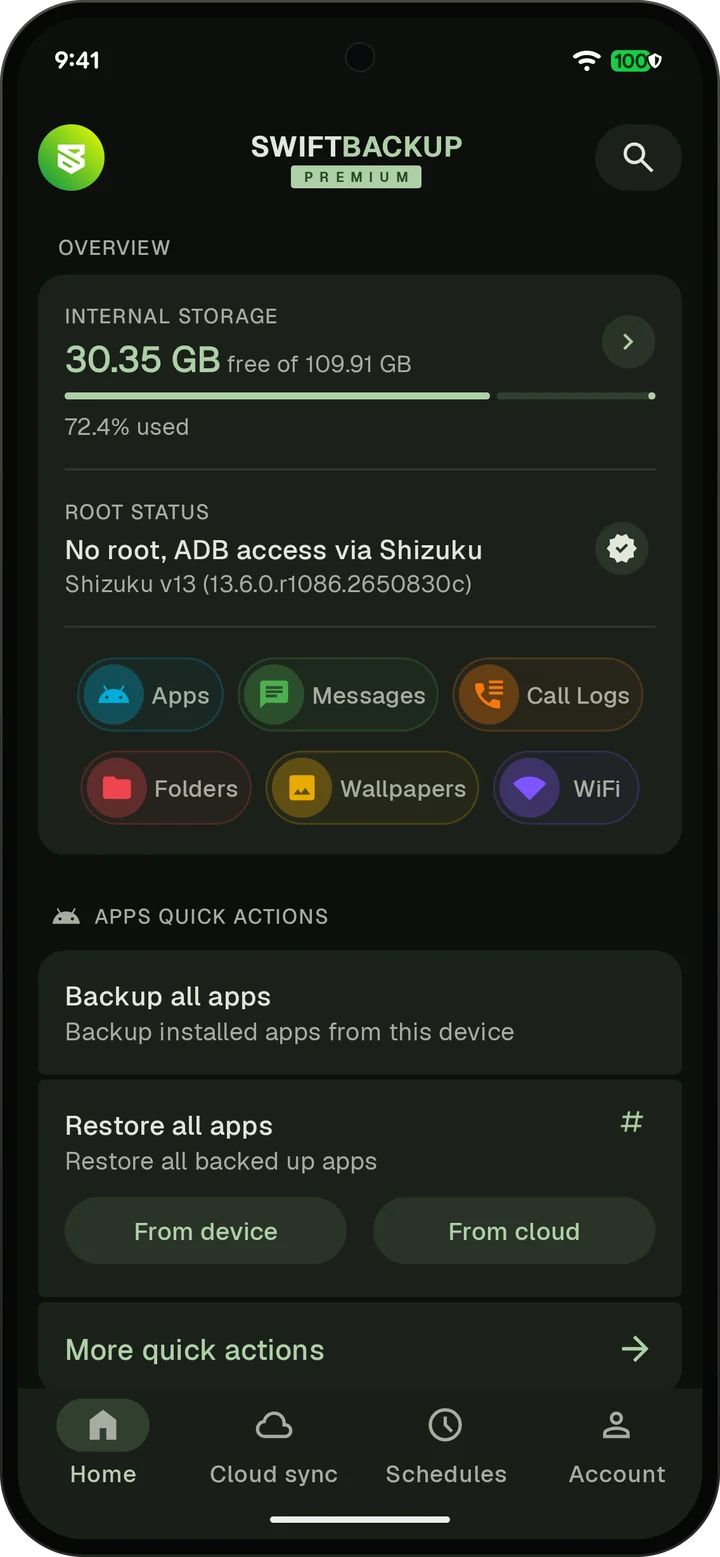
What Shizuku adds
- Restore many apps at once, without confirming each install
- Restore app permissions and special data, such as accessibility, usage access and battery settings
- Back up and restore external data and expansion files (OBB) on Android 11 and later
- Back up Wi-Fi networks on Android 11 and later, and restore them all at once
- Include encrypted RCS chats on Android 17 and later without switching your SMS app. Scheduled backups include them too.
- Uninstall, enable or disable apps in batches
- Use custom configs, with Premium
What still needs root
Shizuku can't back up or restore app data. No app can reach another app's private data without root.
- App data backup and restore
- Restoring SSAID, the Android ID each app sees
- Backing up and restoring each app's notification settings and channels
- Keeping Google Play as the installer of restored apps
Root, Shizuku or nothing
| Feature | Without root | With Shizuku | With root |
|---|---|---|---|
| Back up APKs | Yes | Yes | Yes |
| Restore apps | One at a time | Many at once | Many at once |
| App data | No | No | Yes |
| External data and expansion files | Up to Android 10 | Yes | Yes |
| Restore permissions and special data | No | Not SSAID or notification settings | Yes |
| Google Play as installer | No | No | Yes |
| Wi-Fi backup | No | Android 11 and later | Yes |
| Encrypted RCS chats on Android 17 and later | Manual backups only | Yes | Yes |
| Batch uninstall, enable or disable | No | Yes | Yes |
| Custom configs with Premium | No | Yes | Yes |
Messages, call logs, folders and wallpapers need neither root nor Shizuku. Wi-Fi restores differ on each Android version, as the Wi-Fi page shows.